
Forberg Smith OE Touch
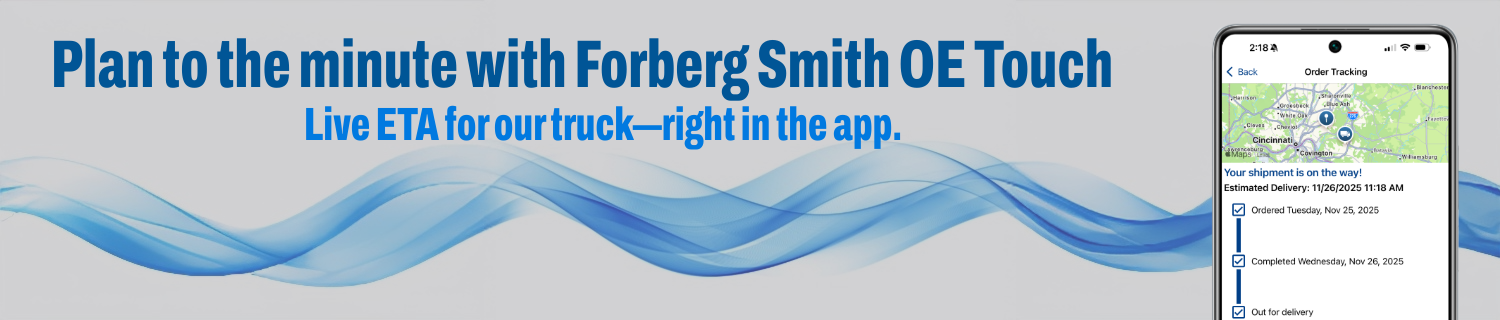
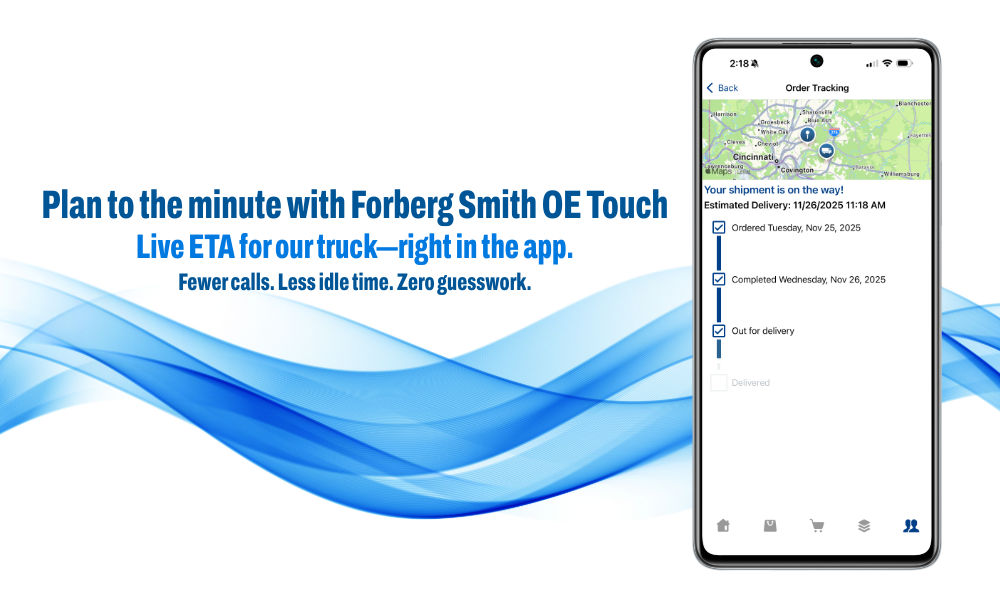
When it’s on our truck, you’ll see the live ETA — right in the app. Stay productive wherever the job takes you. Integrated order tracking means fewer calls, less idle time, and zero guesswork. Plus, new features help you cut downtime, prevent order errors, and get more done faster.
Scan. Order. Track. Download today to keep your projects moving.
Featured Highlights
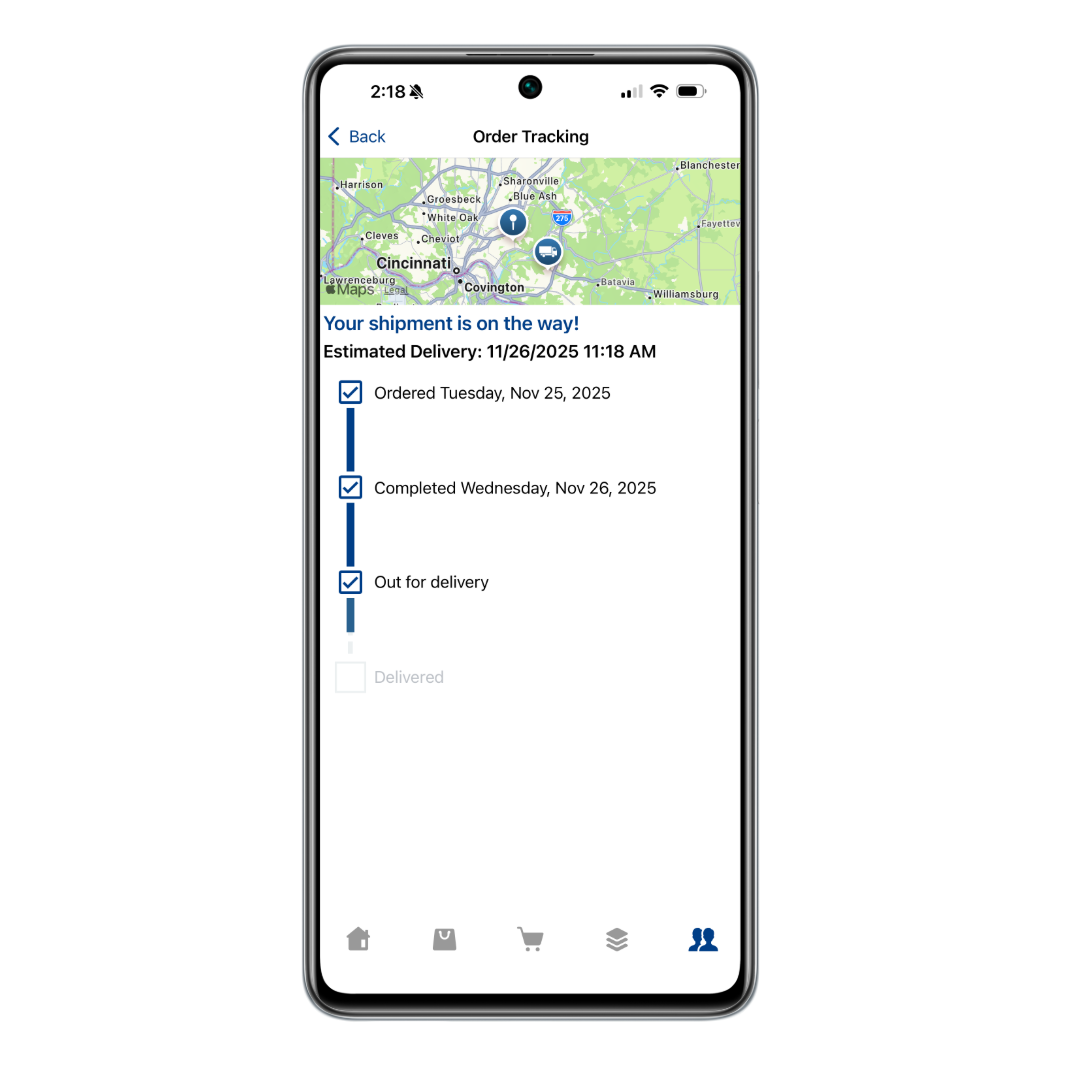
Real-time package tracking:
Know ETA without calling;
stage labor and tools only when parts are truly inbound.
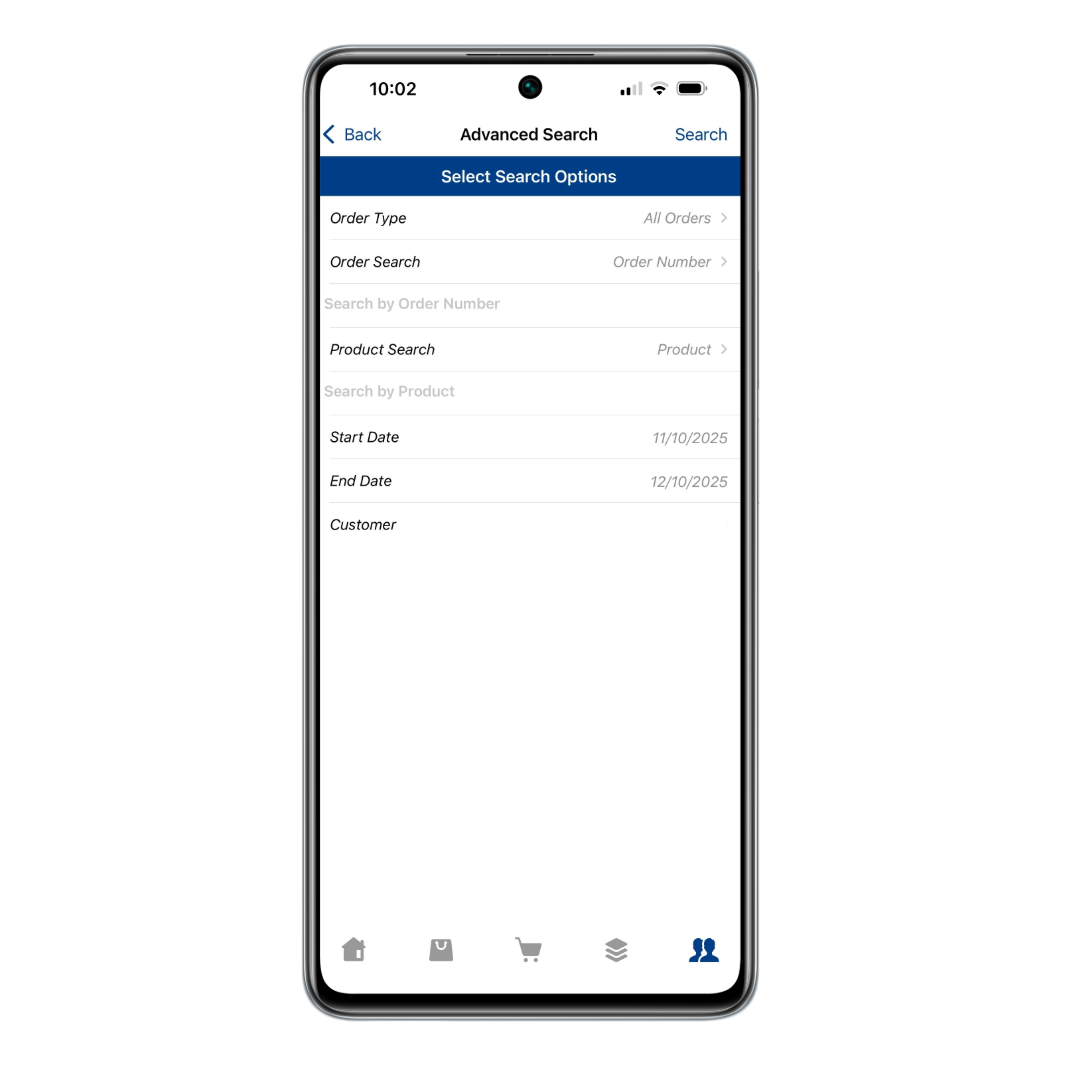
Full range invoice search:
Advanced search with custom date range.
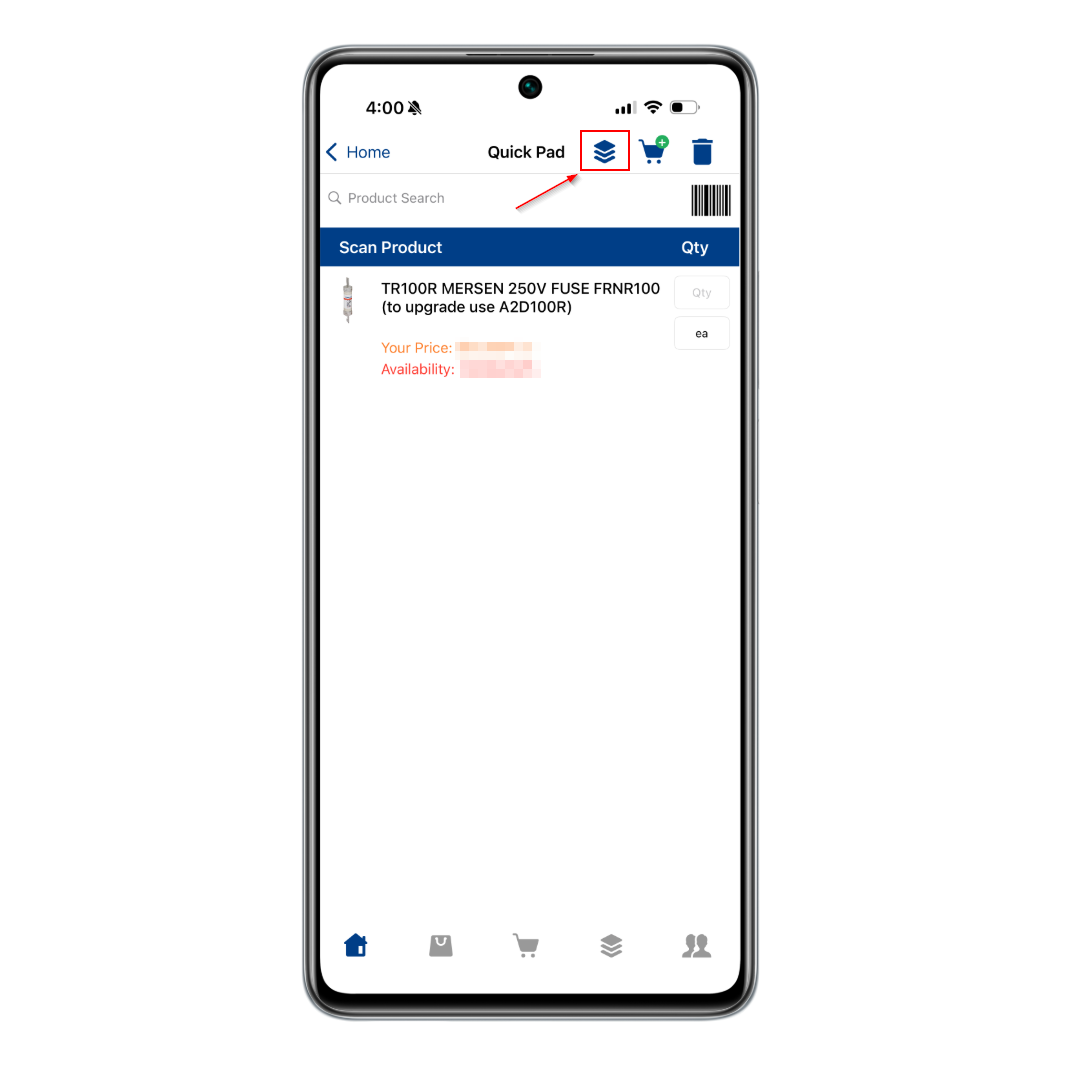
Save to Product Group from Quick Pad:
Save "punchlist" selections straight into a project set.
In OE Touch, tap Track to see real-time delivery status for orders on the way. If it’s already arrived, you’ll see "Delivered." (Some orders won’t have carrier tracking; you’ll still see order status in the app.)
Same login as the website; click here to request access.
* ETAs available only for orders delivered by our trucks. While not all shipments provide live tracking, order status still updates in OE Touch.
* Track appears when a carrier posts scans. Delivered orders show a "Delivered" badge.
Download Forberg Smith OE Touch Today


How to Update Your Existing App
Apple/iOS:
- Access the App Store page for Forberg Smith OE Touch.
- Select the Update button.
Android:
- Access the app from the Play Store via one of the following ways:
a) Hold down on the app’s icon until the popup menu appears, then select App Info. Scroll down and select “App details.”
b) Go to Settings > Apps, select your OE Touch app to go to App Info. Scroll down and select “App details.”
c) Go directly to the Play Store page for Forberg Smith OE Touch and select it. - From the Play Store page for the app, select the Update button.
When it’s on our truck, you’ll see the live ETA — right in the app. Stay productive wherever the job takes you. Integrated order tracking means fewer calls, less idle time, and zero guesswork. Plus, new features help you cut downtime, prevent order errors, and get more done faster.
Scan. Order. Track. Download today to keep your projects moving.
Featured Highlights
Real-time package tracking:
Know ETA without calling; stage labor and tools only when parts are truly inbound.
Full range invoice search:
Advanced search with custom date range.
Save to Product Group from Quick Pad:
Save "punchlist" selections straight into a project set.
In OE Touch, tap Track to see real-time delivery status for orders on the way. If it’s already arrived, you’ll see "Delivered." (Some orders won’t have carrier tracking; you’ll still see order status in the app.)
Same login as the website; click here to request access.
* ETAs available only for orders delivered by our trucks. While not all shipments provide live tracking, order status still updates in OE Touch.
* Track appears when a carrier posts scans. Delivered orders show a "Delivered" badge.
Download Forberg Smith OE Touch Today
How to Update Your Existing App
Apple/iOS:
- Access the App Store page for Forberg Smith OE Touch.
- Select the Update button.
Android:
- Access the app from the Play Store via one of the following ways:
a) Hold down on the app’s icon until the popup menu appears, then select App Info. Scroll down and select “App details.”
b) Go to Settings > Apps, select your OE Touch app to go to App Info. Scroll down and select “App details.”
c) Go directly to the Play Store page for Forberg Smith OE Touch and select it. - From the Play Store page for the app, select the Update button.